프로그래밍/Python
오프라인 환경에서 Python 패키지 설치하기
안드레날린
2024. 7. 13. 11:26
온라인 환경에서 패키지 다운로드
pip download 명령을 이용해서 아래와 같이 원하는 패키지를 다운로드 한다.
(폐쇄망 환경에서 외부로 443 통신이 불가한 경우 --trusted-host 를 추가 하면 된다.)
pip3 download -d ./package-requests/ requests --trusted-host pypi.org --trusted-host files.pythonhosted.org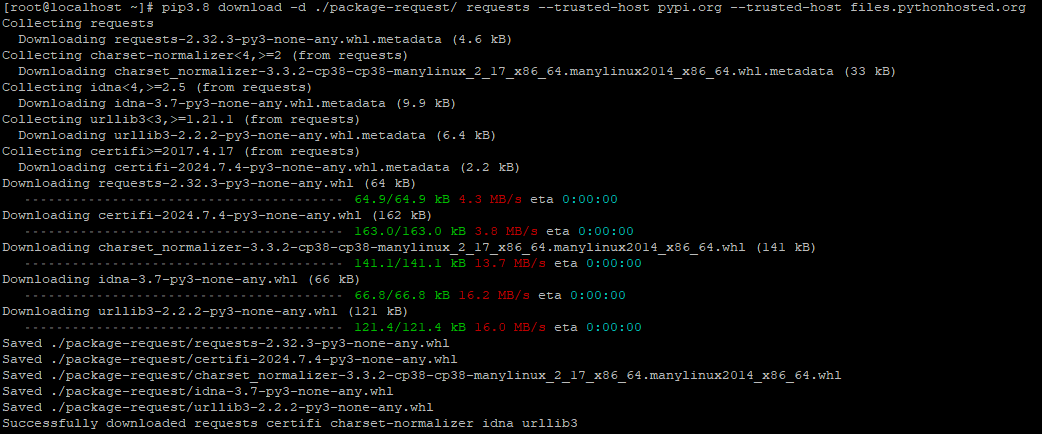

오프라인 환경에서 패키지 설치
커맨드 라인 환경
pip3 install --no-index --find-links=./package-requests/ requests
IDE 환경
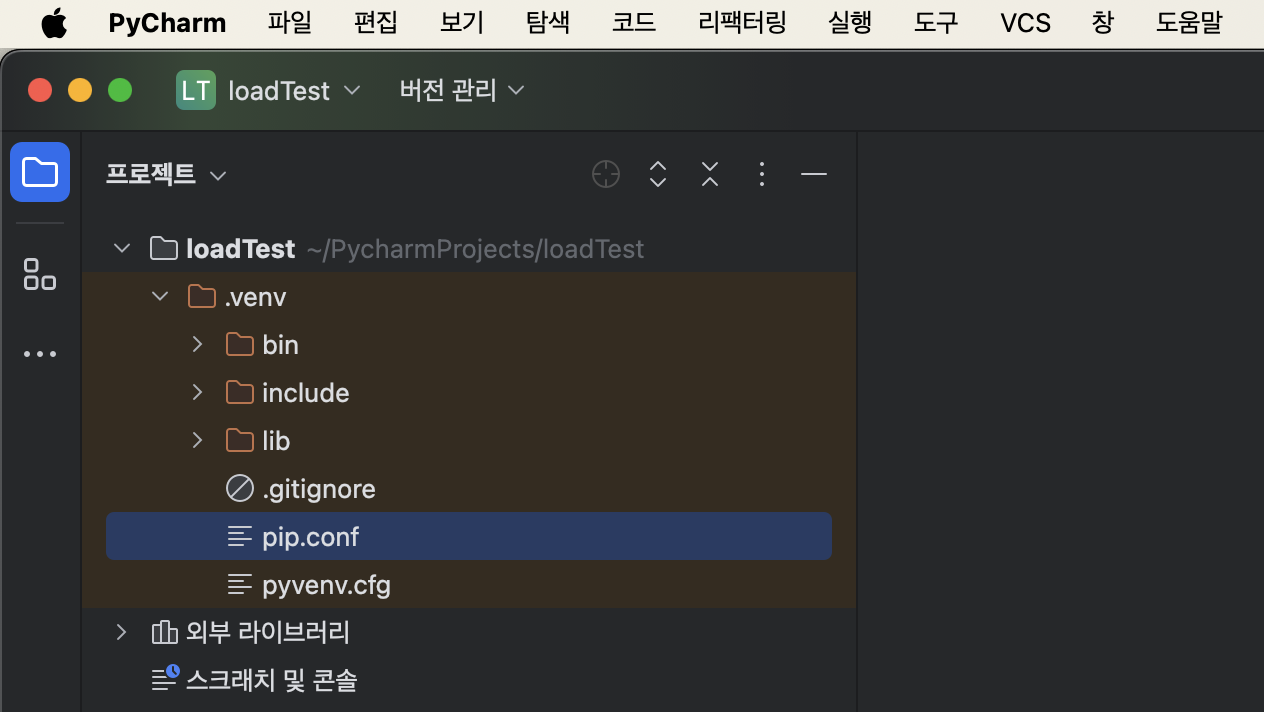
파이참 (PyCharm)
# pip.ini (Windows)
[global]
trusted-host = pypi.org
               files.pythonhosted.org

# pip.conf (Unix/Linux)
[global]
trusted-host = pypi.org
               files.pythonhosted.org